
Retail Fixture Rollouts: Same Kit, Twenty Stores, One Window
How multi-store retail fixture rollouts work: kitting by store, sequencing vehicles across the window, dedicated trucks and per-store proof of delivery.
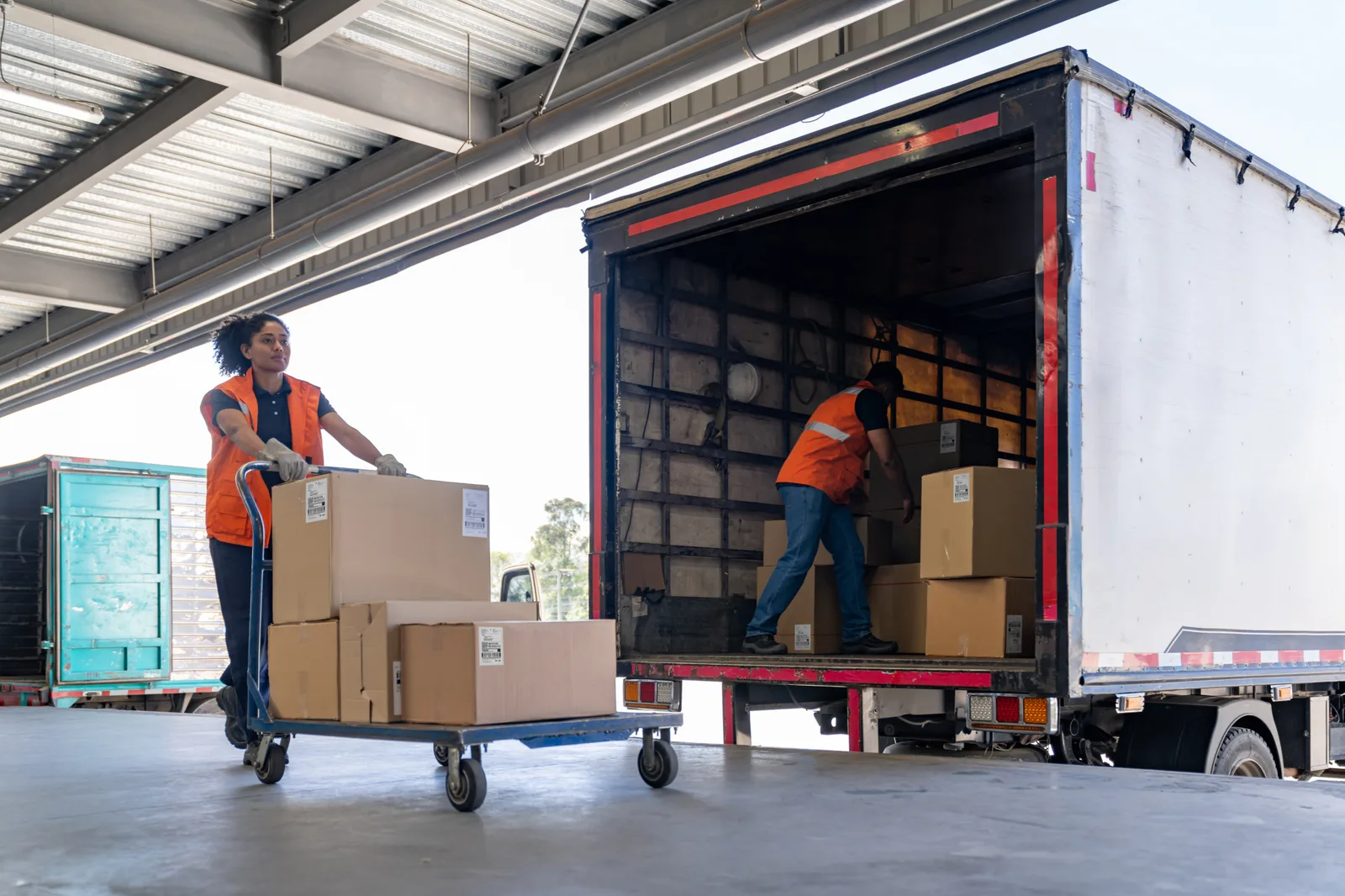
A fixture rollout is a strange piece of freight: the shipment is simple, but the project isn’t. Every store gets roughly the same kit — gondolas, shelving, display tables, signage, sometimes point-of-sale hardware — and every store has to get it inside the same short window, because the campaign or refresh goes live network-wide on one date. One truck, one store, one delivery is easy. Twenty stores in five days across the GTA is a coordination problem wearing a freight costume.
The good news: rollouts are a solved problem. The method below is how fixture manufacturers, display houses and brand teams run them — kit by store, sequence the vehicles, and close every location with paper.
A rollout is one project, not twenty shipments
The core mental shift: stop thinking in deliveries and start thinking in stores completed. Booking twenty separate one-off shipments with twenty separate confirmations is how rollouts fall apart — each delivery is individually fine, and collectively nobody can answer “how many stores are done and which one is next?”
Run as a single project, the rollout has one manifest (every store, every kit, every window), one coordinator on the carrier side who sees the whole board, and one thread of communication. When a store’s receiving situation changes or an install crew falls behind, the sequence adjusts in one place instead of across twenty booking references. This is the same discipline used for IT hardware deployments — many stores, one program — and the freight side of it looks nearly identical.
Kit and label by store before anything moves
The rollout is won or lost at the staging warehouse. Before the first truck loads:
- One kit per store, palletized together, containing everything that location needs — fixtures, hardware packs, signage, install accessories. A store kit that’s short one box of brackets stalls an entire install crew.
- Label by store number, large and on every pallet: store number, address, kit count (“Pallet 2 of 3”). Not just a packing slip in a pouch — visible from across a truck deck.
- Verify counts at staging, not at the store. Discovering a shortage in a stockroom two hours before install is too late to fix cheaply.
- Keep signage with its store. Store-specific graphics and dimensional signage are the easiest things to cross-ship between locations, and the hardest to swap back. Sign packages have their own handling quirks — our guide to shipping signage and displays covers them.
When the kits are clean, the freight is boring — which is exactly what you want.
One more staging-stage habit that pays for itself: deliver the first store as a pilot. Run store one a day or two ahead of the main wave, with someone from the program on site. Every weakness in the kit — a missing hardware pack, a label that confused the receiver, an assembly that should have shipped flat — shows up at store one, where it’s fixable, instead of at stores two through twenty simultaneously, where it isn’t.
Two ways to run the window
With kits staged, the delivery plan comes down to sequencing. There are two basic models, and most real rollouts blend them:
| Model | How it works | Best when |
|---|---|---|
| Sequential | One vehicle loads several store kits and delivers them in route order, day after day, until the list is done | The window is wider, stores are geographically clustered, install crews move store-to-store behind the truck |
| Parallel | Multiple vehicles run different territories in the same window — one covers the west GTA, another the east, another Hamilton–Niagara | The window is tight, the network is spread across Southern Ontario, several install crews work simultaneously |
Sequential is efficient and easy to track; parallel buys speed when the go-live date compresses everything. The blend — two or three vehicles, each running a sequential route through its own territory — is how a twenty-store network across Toronto, Mississauga, Hamilton and Kitchener–Waterloo gets done inside one window without heroics.
Why dedicated vehicles fit rollout work
Rollouts favour dedicated vehicles — a truck and driver assigned to your project rather than your freight sharing space with whatever else is moving that day. Three reasons:
- The schedule belongs to the project. Store delivery windows, install-crew timing and mall receiving rules drive the route — not another shipper’s stops.
- The same driver learns the network. By store five, the driver knows what your kits look like, how your labels read and what the install lead needs. That familiarity compounds across the rollout.
- Multi-stop is the whole point. A dedicated truck loaded with four store kits delivering in sequence is the natural unit of rollout work; it doesn’t fit neatly into single-shipment freight products.
Vehicle size follows the kit: a store’s worth of flat-packed fixtures often fits a Sprinter or a few pallet positions in a box truck; assembled gondolas and large display tables want the full 26-foot box.
Receiving at retail: the ground truth
Retail receiving is wildly inconsistent, and the manifest should capture each store’s reality before the window opens: mall dock with a booking system, or street-front door? Receiving hours set by the landlord? Fixtures going to the stockroom, or straight to the floor because there is no stockroom? Any location with no dock needs a tailgate-equipped truck flagged in advance.
Off-hours installs are common in retail — crews often work after close so the store trades normally through the refresh. Delivery timing follows whatever the store, landlord and install schedule allow; the key is that those windows are confirmed per store at booking, not negotiated at the door.
Don’t forget the freight moving the other way. Most refreshes displace old fixtures, and the empty truck that just delivered a kit is the natural vehicle to backhaul the outgoing gondolas to a warehouse, a recycler or the next store on the reuse list. Building the reverse leg into the same stops costs little; sending trucks back for it later costs a second rollout.
Close every store with a POD
Each store delivery closes with a signed proof of delivery: who received the kit, when, and the piece count. Across a rollout this becomes the project’s scoreboard — at any moment, the coordinator can say which stores are complete, which are scheduled, and which flexed to later slots, with paper behind every “done.” When the brand team asks on Thursday how the network looks for Monday’s launch, that answer comes from the POD trail, not from memory.
Running your next rollout
If you’re planning a fixture program — a refresh, a rebrand, new-store openings — the freight plan starts with three inputs: the store list with each location’s receiving reality, the kit definition per store, and the window. From there it’s sequencing, vehicles and a coordinator who owns the board.
Sonic Transport runs multi-store distribution across the GTA, Golden Horseshoe and Southern Ontario with dedicated vehicles, one point of contact for the whole project and a POD closing out every location. Tell us about the rollout — stores, kits, window — and we’ll build the routes around it.
Frequently asked questions
How far ahead should a fixture rollout be booked?
As soon as the store list and window are known — lead time varies with the number of locations and how tightly the window is compressed, but the constraint is rarely the driving. It's the upstream work: kitting and labelling by store, confirming each location's receiving situation, and lining up vehicles for the same window. The earlier that starts, the fewer surprises mid-rollout.
What happens if one store isn't ready for its delivery?
The rollout doesn't stop — the sequence flexes. The affected store's kit stays on the vehicle or returns to staging, the run continues to the next location, and the missed store is rescheduled into a later slot in the window. This is why a little slack in the schedule and a single coordinator with the full picture matter.
Do retail fixtures ship assembled or flat?
Both, and the kit list should say which. Flat-packed fixtures cube efficiently and ride palletized; pre-assembled units save install time but eat truck space and need more protection. Many rollouts mix the two — flat-pack for volume pieces, assembled for anything complex or fragile.